

Every time a drug hits the market in the U.S., the FDA requires the manufacturer to submit a detailed, legally binding document called a Structured Product Labeling (SPL) file. This isn’t just a brochure - it’s the official, regulated text that tells doctors, pharmacists, and patients exactly how to use the drug, what risks to watch for, and what interactions to avoid. There are over 149,000 of these documents in the FDA’s archive, updated twice a month. Finding the right information in them manually? Impossible.
What Is the FDALabel Database?
The FDALabel Database is a free, official web tool built and maintained by the U.S. Food and Drug Administration’s National Center for Toxicological Research (NCTR). It’s not a summary. It’s not a third-party site. It’s the raw, searchable source of every FDA-approved drug label in the country - including prescription drugs, over-the-counter medicines, biologics, and animal drugs.
Launched years ago to handle the growing flood of digital labeling data, FDALabel reached Version 2.9 in July 2024. It’s hosted on Amazon Web Services and updated automatically as manufacturers submit new labels. Unlike Drugs@FDA, which shows approval dates and status, or DailyMed, which displays labels in static PDF format, FDALabel lets you search inside the text of every label. You can find exactly where a warning appears, which drugs share the same side effect, or how often a specific ingredient shows up in a drug class.
Why FDALabel Beats Other Drug Databases
You might have used Drugs@FDA to check if a drug is approved. Or looked up a medication on DailyMed to read its label. But here’s the difference: Drugs@FDA tells you when a drug got approved. DailyMed shows you what the label looks like. FDALabel lets you ask how many drugs have a certain warning, or which ones contain a specific ingredient in their boxed warning.
For example, if you’re researching liver toxicity from diabetes drugs, you can search: "acute liver failure" in BOXED WARNING for Human Prescription Drugs. FDALabel returns 66 matching labels - each with direct links to the full document. No other public tool lets you do that.
It also connects to other FDA systems:
- MedDRA - Standardized terms for adverse events (like "hepatotoxicity" instead of "liver damage")
- Pharmacologic Class - Group drugs by mechanism (e.g., "SGLT2 inhibitors")
- Drugs@FDA - Links to approval history
- Orange Book - Shows generic equivalents
- GSRS - Tracks active ingredients across products
This integration means you’re not just searching labels - you’re navigating the entire FDA drug ecosystem from one place.
How to Search FDALabel Like a Pro
Getting started is easy. Go to www.fda.gov/FDALabelTool or nctr-crs.fda.gov/fdalabel. No login. No cost. Just search.
Here’s how to make your searches accurate:
- Start broad - Type a drug name, ingredient, or condition (e.g., "metformin" or "hypertension").
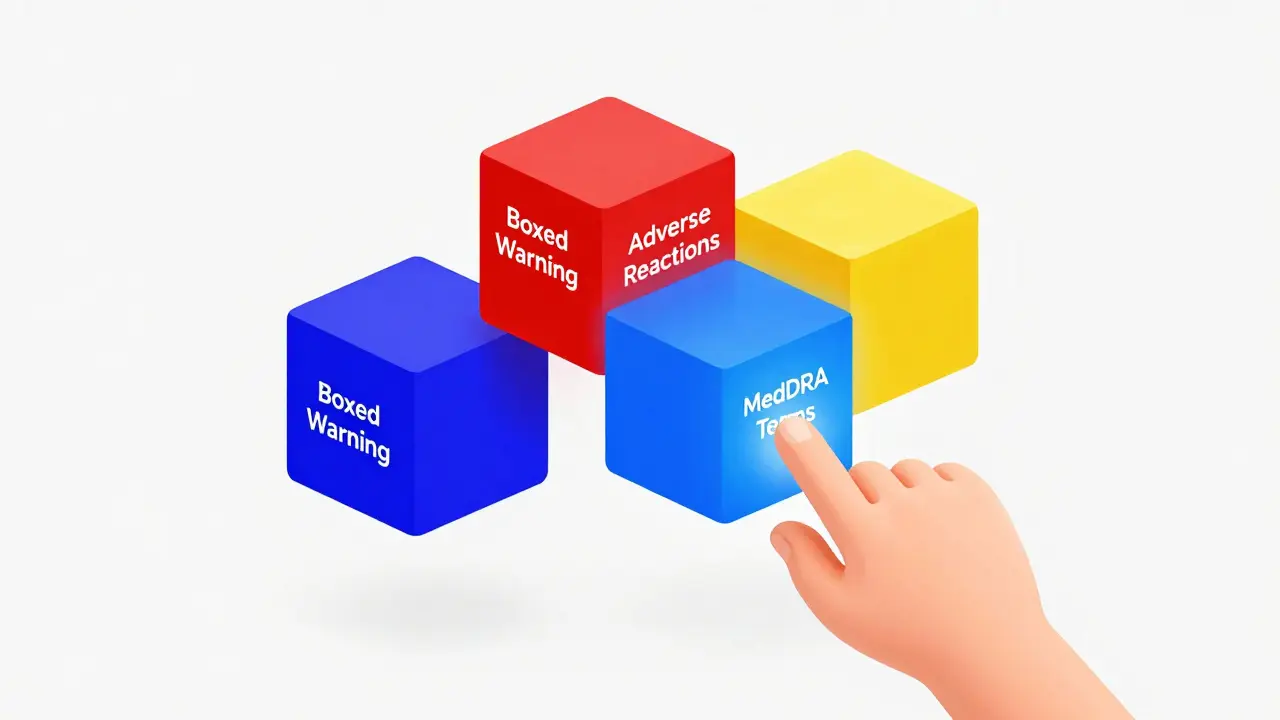
- Narrow by section - Use the "Search in" dropdown to target specific parts: Boxed Warning, Adverse Reactions, Drug Interactions, Dosage and Administration.
- Filter by type - Choose Human Prescription, OTC, Animal Drug, or Biological Product.
- Use application type - Filter by NDA (new drug), ANDA (generic), or BLA (biologic).
- Search by MedDRA term - If you know the standardized term (like "myocardial infarction"), enter it directly. This catches all drugs linked to that event, even if the label uses different wording.
- Filter by pharmacologic class - Search for "ACE inhibitors" or "SSRIs" to see all drugs in that group with the same warning.
Try this real example: You want to find all human prescription drugs with a boxed warning for suicidal ideation. Select "Search in: Boxed Warning", choose "Human Prescription", and type "suicidal ideation". FDALabel returns 12 results. Click any one to see the full label - and you’ll know exactly which drugs carry that risk.
Export and Save Your Searches
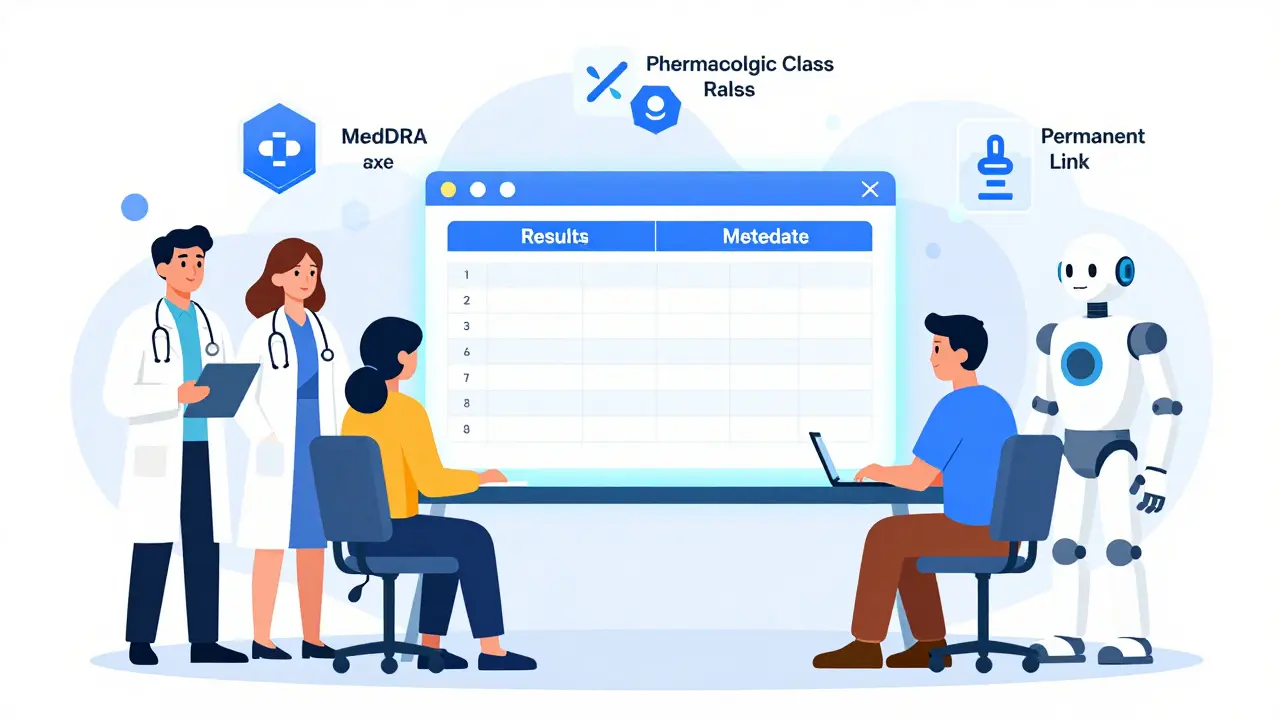
One of the biggest upgrades in Version 2.9 (July 2024) was the addition of Excel export. Before, you could only download results as CSV - fine for basic lists, but messy for analysis. Now, you get a two-tab Excel file:
- Results - Drug name, application number, label version, and link
- Metadata - Contains the exact search query, the link to recreate it, and the export timestamp
This is huge for researchers, regulatory teams, and even students writing papers. You can sort, filter, and analyze results in Excel without losing the ability to go back to the source. And because every search generates a permanent link, you can email it to a colleague, save it for later, or reuse it in a report.
Who Uses FDALabel - And Why
It’s not just regulators. Here’s who relies on FDALabel daily:
- Pharmaceutical researchers - Study ingredient patterns to develop new drugs or generics. One study showed companies used FDALabel to identify which drugs shared rare side effects, helping them design safer alternatives.
- Regulatory affairs professionals - Verify that their product’s labeling matches FDA requirements before submission.
- Pharmacovigilance teams - Track adverse events across multiple drugs to spot emerging safety signals.
- Healthcare providers - Double-check warnings before prescribing, especially for patients on multiple medications.
- Academic researchers - Used in studies like AskFDALabel, where AI tools pull data from FDALabel to predict drug risks faster.
- Patient advocates and journalists - Investigate patterns in drug safety reporting.
A 2023 study in PMC showed that combining FDALabel with AI models improved adverse event detection by 37% compared to manual review. That’s not science fiction - it’s happening now.
Limitations and What It Can’t Do
FDALabel isn’t perfect. And it’s not meant to be everything.
- No pricing data - You won’t find costs, insurance coverage, or pharmacy availability.
- No clinical trial results - It doesn’t show efficacy data from Phase 3 trials.
- No EHR integration - It doesn’t plug into electronic health records like Epic or Cerner.
- Requires some learning - If you don’t know what MedDRA terms are or how NDA/ANDA differ, your searches might miss results.
That’s why the FDA offers a Quick Start Manual (Version 2.3) with real search examples. It’s worth reading if you’re using this tool regularly.
How to Get Better at Using FDALabel
Start with these tips:
- Bookmark the Quick Start Manual - It has 12 practical examples.
- Learn common MedDRA terms - Search "MedDRA dictionary" to see the official list.
- Use the permanent link feature - Save complex searches as bookmarks.
- Subscribe to the FDALabel mailing list - Updates on new versions and features come here first.
- Test your search - Try the same query in DailyMed or Drugs@FDA. See how FDALabel gives you more control.
Pro tip: If you’re looking for a specific drug but don’t know the exact name, search by ingredient. For example, search "metformin" instead of "Glucophage" - you’ll get all brands and generics.
Future of FDALabel
The tool is evolving. The FDA’s roadmap includes deeper AI integration, better visualization of search results, and tighter links to clinical data. The AskFDALabel project - which uses AI to interpret user questions and pull answers from FDALabel - is already being tested internally.
With over 149,000 labels and growing, FDALabel is becoming the backbone of drug safety research. As regulations demand more transparency, tools like this won’t just be useful - they’ll be essential.
Frequently Asked Questions
Is FDALabel free to use?
Yes. FDALabel is a free, public tool provided by the U.S. Food and Drug Administration. No registration, subscription, or payment is required. It’s accessible at www.fda.gov/FDALabelTool and nctr-crs.fda.gov/fdalabel.
How often is FDALabel updated?
The database is updated twice a month, automatically pulling in new or revised drug labels submitted by manufacturers to the FDA. This ensures you’re always searching the most current labeling information available.
What’s the difference between FDALabel and DailyMed?
DailyMed displays FDA-approved drug labels in a static, readable format - like a digital PDF. FDALabel lets you search across the full text of over 149,000 labels and filter by section, drug class, or regulatory type. FDALabel is for deep analysis. DailyMed is for quick reading.
Can I search for drug ingredients in FDALabel?
Yes. You can search for active ingredients, excipients, or even brand names. The tool scans the entire label text, so typing "ibuprofen" will return all products containing that ingredient, regardless of brand name. Use the "Search in" filter to narrow results to specific sections like "Active Ingredients" or "Inactive Ingredients".
Why can’t I find a recent drug in FDALabel?
There’s a delay between when a drug is approved and when its label appears in FDALabel. Manufacturers must submit the SPL file, which then goes through FDA validation. This process can take up to 30 days. If a drug was approved recently, check Drugs@FDA for approval status and return to FDALabel in a few weeks.
Does FDALabel include animal drugs?
Yes. FDALabel includes labeling for all FDA-approved animal drugs - not just human medications. Use the "Product Category" filter to select "Animal Drug" and search for veterinary products, including antibiotics, vaccines, and parasiticides.
How do I export search results from FDALabel?
After running a search, click the "Export Results" button. You can now download results as an Excel file (new in Version 2.9) or CSV. The Excel file includes two tabs: one with search results and another with metadata like the query used and export timestamp.
Is FDALabel reliable for clinical decisions?
FDALabel provides the official, legally binding drug labeling approved by the FDA. It’s the most authoritative source for safety information, contraindications, and dosing. However, clinical decisions should also consider patient history, lab results, and professional judgment. Use FDALabel to confirm labeling details, not as the sole basis for treatment.
Next Steps
If you’re a healthcare provider, start by searching for one drug you prescribe often. Look at its Boxed Warning and Drug Interactions section. Compare it to the label on DailyMed. You’ll see how FDALabel gives you control.
If you’re a researcher, try combining a MedDRA term with a pharmacologic class. You might uncover patterns no one else has noticed.
If you’re a patient or caregiver, use FDALabel to verify warnings - especially if you’re on multiple medications. Knowing exactly what a label says can prevent dangerous interactions.
FDALabel doesn’t just give you data. It gives you clarity - in a world where drug information is scattered, incomplete, or buried in PDFs. Use it wisely. It’s the closest thing we have to a direct line to the FDA’s drug records.


Write a comment